
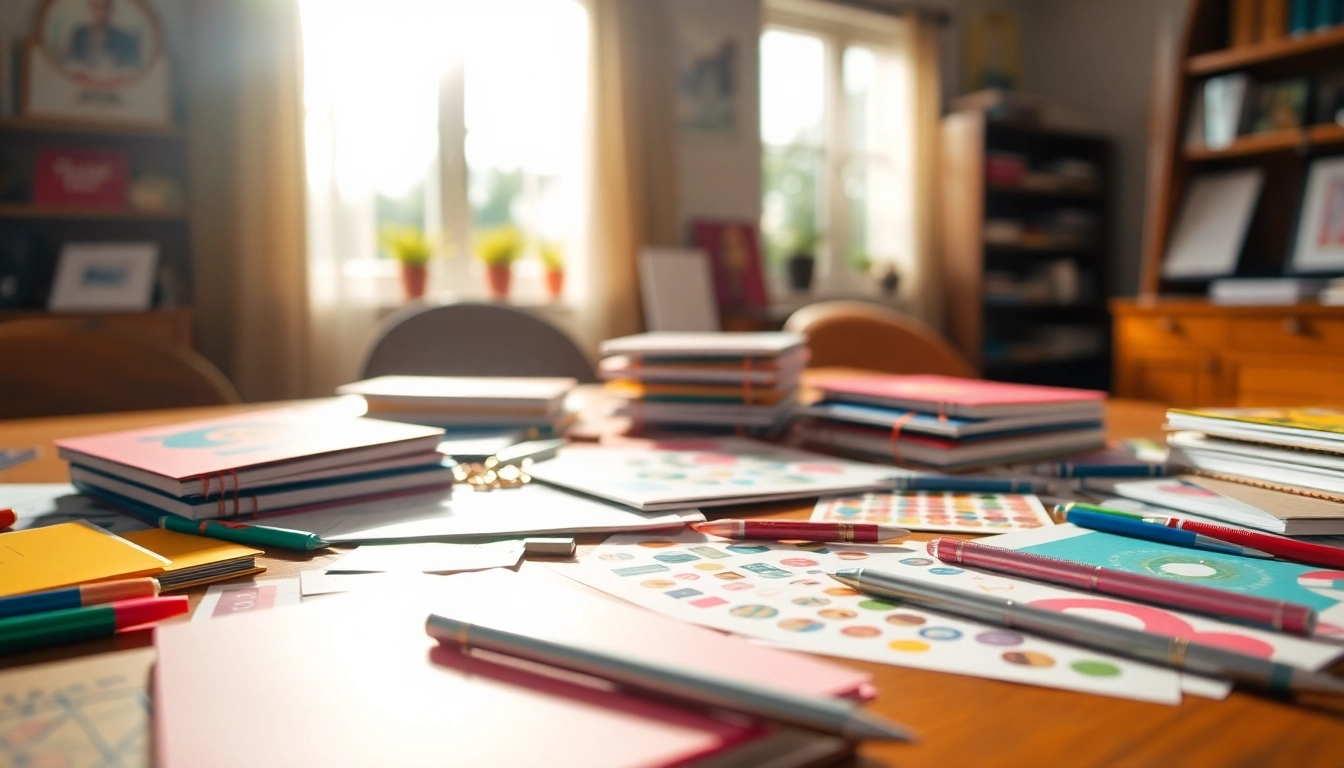
Understanding the Importance of Personalization
In a world driven by efficiency and personalization, the quest to Create Your Perfect Planner has never been more relevant. Personalizing your planner not only reflects your unique style but significantly enhances your productivity. When a planner aligns closely with your goals and preferences, it becomes an indispensable tool for your daily life.
The Benefits of Creating Your Perfect Planner
Creating your own planner allows for a tailored approach to organization. The primary benefits include:
- Increased Motivation: A planner designed to your specifications inspires creativity and encourages consistent use.
- Greater Focus: Personalized sections for priorities and goals ensure that you stay on track with your most important tasks.
- Enhanced Flexibility: Customize layouts and styles to fit your schedule, whether you prefer a daily, weekly, or monthly overview.
Why Customization Enhances Productivity
The era of one-size-fits-all solutions is over. Customization allows you to integrate elements that work specifically for you:
- Personal Layouts: Whether you prefer lists, grids, or blocks, having your format allows for efficient task completion.
- Color Coding: Assigning colors to different activities helps to quickly distinguish between tasks and priorities.
- Incorporation of Goals: Including yearly, monthly, and weekly goals keeps you accountable and reinforces focus.
Identifying Your Planning Style
Understanding your own planning style is crucial for creating a planner that truly works for you. Generally, there are several styles you can explore:
- The Visual Planner: This style emphasizes the use of colors, images, and shapes. You might enjoy scrapbooking or using stickers.
- The Minimalist: If you prefer simplicity, opt for clean layouts with ample whitespace and basic elements.
- The Traditionalist: This planner enjoys a structured layout with detailed sections for planning, journaling, and tracking.
Choosing the Right Elements for Your Planner
Selecting the Covers and Layouts
The first impression of your planner begins with the cover. When selecting covers and layouts, consider durability and aesthetic appeal:
- Material: Look for materials that are durable yet visually appealing, such as vegan leather or high-quality paper.
- Size: Select dimensions that suit your needs—pocket-size for portability or larger formats for in-depth planning.
Incorporating Functional Accessories
Accessories can elevate your planner's functionality. Here are some essential accessories to consider:
- Tabs: Create sections for various areas of your life (e.g., personal, work, fitness).
- Pockets: Add pockets for storing notes, receipts, or important documents.
- Stickers and Washi Tape: Use these to personalize your planner and add decorative flair.
Understanding Planning Pages: Daily, Weekly, and Monthly
Ensure that your planner includes a variety of planning pages appropriate for your needs:
- Daily Pages: These provide space for detailed scheduling and time management.
- Weekly Spreads: Perfect for an overview of the week, allowing for tracking of goals and tasks.
- Monthly Calendars: Useful for long-term projects and events, providing a comprehensive overview.
Designing Your Planner: Step-by-Step
Finding Inspiration for Designs
Your design journey begins with inspiration. Here are some avenues to explore:
- Online Platforms: Websites like Pinterest and Instagram are great for visual inspiration.
- Nature: Sometimes, the best designs come from organic shapes and colors found in nature.
Utilizing Online Tools and Resources
Numerous online tools can facilitate the design process:
- Design Software: Use tools like Canva or Adobe to create custom layouts.
- Template Libraries: Leverage reusable templates to save time and effort.
Finalizing Your Planner Design
Before printing your planner, make sure to review and finalize your design. Check for:
- Consistency: Ensure that fonts, colors, and layouts are consistent throughout.
- Proofreading: Review text for errors and typos to maintain professionalism.
Practical Tips for Effective Planning
Maximizing Your Planner’s Features
To get the most out of your planner, consider the following tips:
- Regular Reviews: Set aside time weekly to review and adjust plans as necessary.
- Goal Setting: At the beginning of each month, set clear, achievable goals to keep you focused.
Integrating Digital Tools with Paper Planners
Combining digital and paper planning can enhance your experience:
- Syncing Calendars: Use digital calendars to sync important dates with your physical planner.
- Task Management Apps: Consider apps for tracking tasks that can complement your planning.
Staying Consistent with Your Planning
Consistency is key in maximizing the benefits of your planner:
- Set a Routine: Incorporate planning into your daily or weekly routine so it becomes second nature.
- Stay Flexible: While having a routine is essential, allow for adjustments as life inevitably changes.
FAQs: Quick Answers to Common Planner Questions
1. What materials do I need to create my perfect planner?
Common materials include planner covers, paper sheets, stickers, and decorative pens for personalization.
2. Can I customize my planner layout?
Yes, you can choose layouts based on your daily or weekly planning needs, tailored to your style.
3. How do I start designing a planner online?
Many online platforms offer templates and tools to help you design and customize planners easily.
4. What should I consider when selecting planner accessories?
Consider functionality, ease of use, and how they complement your overall planner theme.
5. How can a personalized planner increase my productivity?
A planner tailored to your preferences encourages consistent use and helps keep track of your goals effectively.